
Sales talks to customers every day. Engineering builds features every sprint. These teams rarely talk to each other with the same frequency. A salesperson promises a feature based on customer feedback, but engineering never hears about it. Developers fix bugs that sales don’t know are resolved. The communication breaks, and customers feel it.
Integration tools fix this by creating a shared layer of visibility. When data moves automatically between Salesforce and Jira, teams stop working in isolation. Sales sees the development status without asking. Engineering understands customer context without searching. Real-time sync turns two separate systems into one collaborative workflow.
1. Peeklogic Connector
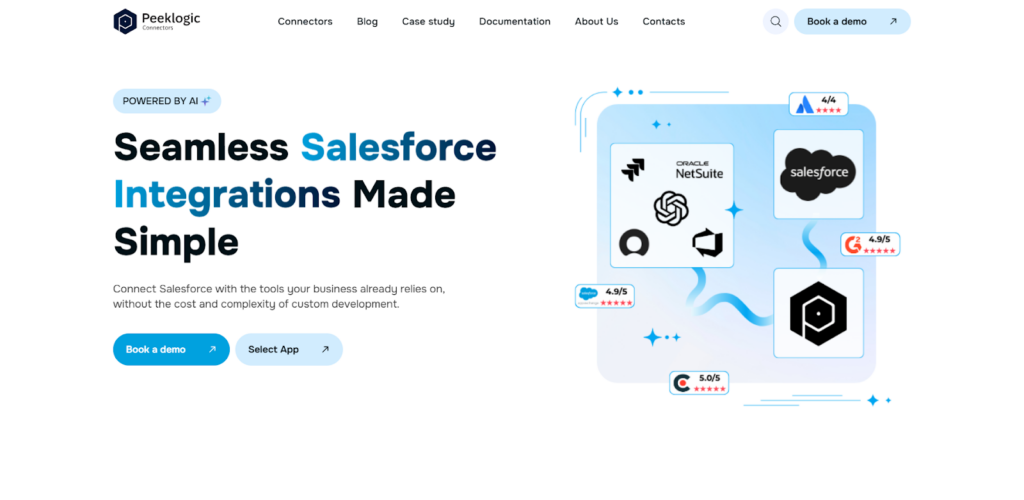
Peeklogic approaches integration as a collaboration problem, not just a technical one. Peeklogic Salesforce Jira Connector acts as a bridge that lets sales and engineering share information without changing how they work. Salespeople stay in Salesforce. Developers stay in Jira. The tool moves data between them in real time, creating what feels like a unified system. According to our analysts, this matters more than feature lists. When teams don’t have to switch contexts or chase updates, they actually collaborate.
How It Improves Team Visibility
The platform focuses on making work visible across departmental boundaries. When information lives in two places, someone always misses updates. Peeklogic solves that by synchronizing everything automatically. Key collaboration benefits include:
- Shared visibility across sales and engineering teams;
- Real-time updates without manual communication;
- Unified tracking of customer issues and development tasks;
- Reduced need for status meetings and follow-ups;
- Centralized view of project progress.
This creates less friction between groups. Sales stops chasing engineering for updates. Engineering stops guessing which customers need what. The work becomes visible to everyone who needs to see it.
2. Exalate
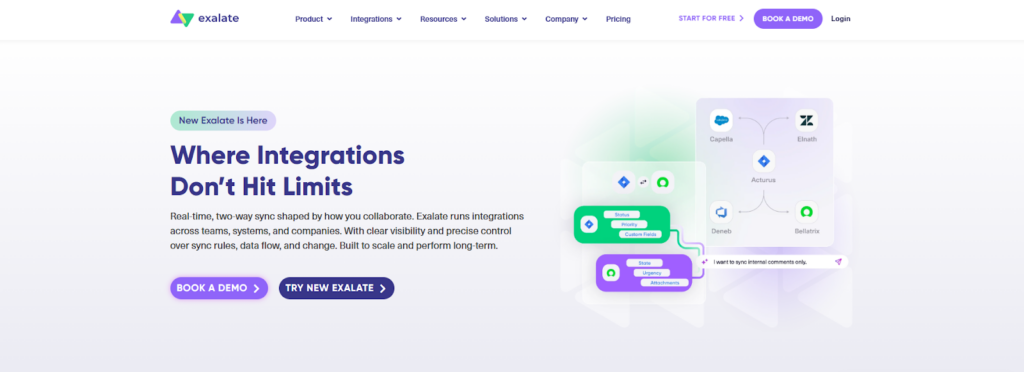
Exalate takes a different approach to collaboration. Rather than assuming everyone sees everything, it lets each team control what they share. This matters when sales has sensitive customer information that shouldn’t live in Jira, or when engineering has internal discussions not relevant to sales. The decentralized model means each side maintains its own instance and decides what data to expose.
For cross organizational collaboration, this is huge. A vendor using Jira can sync with a client using Salesforce without exposing internal comments. Both sides share what’s necessary, nothing more.
Collaboration Control Layer
The platform gives teams fine grained control over information flow. You define exactly what fields sync, under what conditions, with what transformations. Capabilities include:
- Selective data sharing between teams;
- Independent control over each side of integration;
- Secure collaboration across organizations;
- Custom sync rules for different departments.
This makes Exalate suitable for complex collaboration scenarios where not all information should flow freely.
3. Sinergify
Sinergify builds collaboration directly into Salesforce. Their native approach means sales and support teams work within the interface they already know. Jira becomes a background system that feeds data into Salesforce rather than requiring users to learn another tool. For organizations where Salesforce is the primary system, this creates a smoother experience.
Support teams see development status next to customer records. Sales understands which bugs are fixed before talking to clients. Everything updates in real time without manual entry.
Native Collaboration Flow
The platform integrates deeply with Salesforce objects and workflows. This creates a unified view for customer-facing teams. Key features include:
- Direct sync within Salesforce environment;
- Full visibility across standard and custom objects;
- Real-time updates for stakeholders;
- Unified workflow between sales and support.
Sinergify works best when your organization thinks of Salesforce as the source of truth and Jira as supporting it.
4. Zagile
Zagile focuses on support and escalation workflows. When customers report issues, sales or support creates cases in Salesforce. These need to reach engineering quickly, especially for urgent problems. Zagile automates this handoff, creating Jira tickets from Salesforce cases with all relevant context attached.
The platform tracks SLAs across both systems. If a critical issue needs resolution within four hours, everyone sees the clock ticking. Status updates flow back automatically, so customer-facing teams know when to follow up.
Support and Escalation Workflows
For organizations with formal support processes, Zagile provides structure. Key capabilities include:
- Case escalation from Salesforce to Jira;
- SLA tracking across systems;
- Real-time status updates;
- Improved support for engineering communication.
This keeps urgent customer issues from getting lost in the shuffle.
5. OpsHub
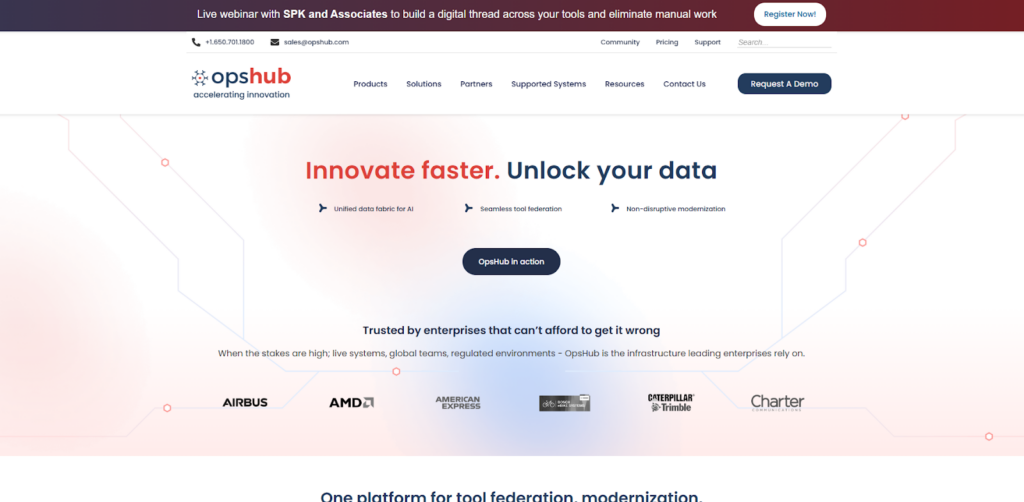
OpsHub handles enterprise-scale collaboration. Their platform integrates multiple systems, not just Salesforce and Jira. For large organizations with complex toolchains, this matters. Engineering might use Jira, but also have test management in another system and requirements in a third. OpsHub connects them all, creating visibility across the entire development lifecycle.
Sales sees where features stand relative to the whole process, not just Jira status. Engineering understands customer impact because Salesforce data flows into their planning tools.
Enterprise Synchronization Model
The platform manages complex data relationships across systems. Capabilities include:
- Multi-system integration beyond Jira and Salesforce;
- Synchronization of complex data structures;
- Enterprise-grade data handling;
- Cross-team process alignment.
OpsHub fits organizations where collaboration spans many tools, not just two.
6. Kovair
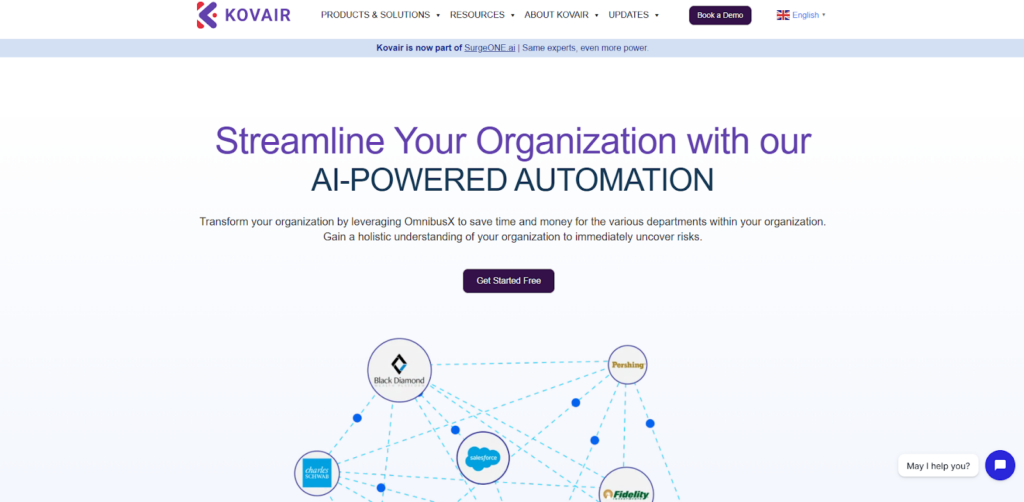
Kovair similarly focuses on multi-tool environments. Their platform provides a centralized data exchange layer that connects ALM, CRM, and other systems. For organizations running hybrid environments with on-premises and cloud tools, this matters. Kovair handles the translation between different data models and keeps everything synchronized.
Teams maintain their existing workflows while data flows automatically between them. Engineering doesn’t change how they work. Sales doesn’t change how they work. The systems just start talking.
Multi-Platform Collaboration
Kovair excels at connecting diverse toolchains. Key features include:
- Integration across multiple ALM and CRM tools;
- Centralized data exchange layer;
- Support for hybrid environments;
- Workflow consistency across teams.
This creates collaboration without forcing standardization on tools.
What Breaks Collaboration Without Integration
According to our data, most collaboration problems aren’t about people refusing to talk. They’re about information not reaching the right people at the right time. The specific breakdowns we see repeatedly include:
- Manual data transfer between teams;
- Misaligned priorities between departments;
- Delayed issue resolution;
- Lack of visibility into project status;
- Duplicate work across systems.
These problems look like communication issues but are actually data flow issues. Fix the data flow, and communication improves naturally.
Final Thoughts
Integration isn’t really about technology. It’s about making sure sales knows what engineering is building and engineering knows what customers are asking for. Peeklogic creates balanced visibility without complexity. Exalate gives teams control over what they share. Sinergify works for Salesforce’s first organizations. Zagile handles support workflows. OpsHub and Kovair connect broader toolchains.
Choose based on how your teams actually need to communicate. According to our analysts, the best collaboration tool is the one your teams actually use, not the one with the most features.